
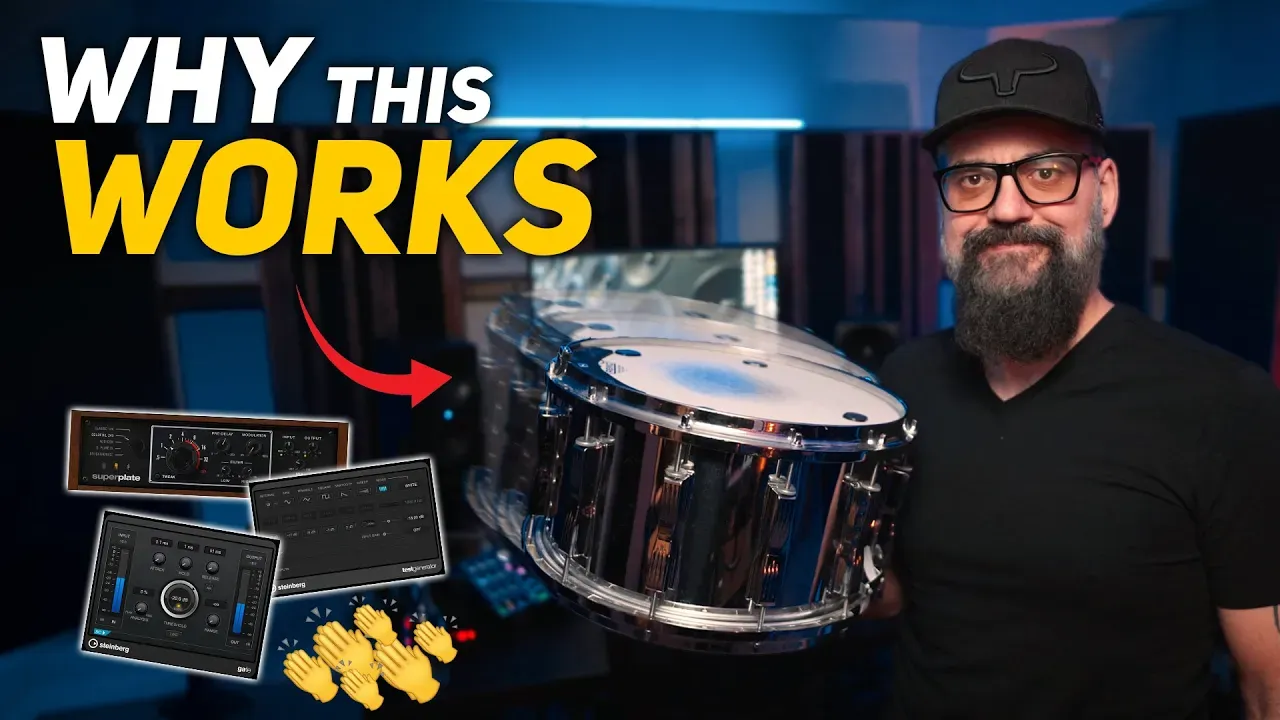
Invisible Snare Layering: White Noise + Claps for More Punch
Here’s a snare problem I hear all the time: the drum sound is good… but the snare just doesn’t feel alive. It’s not necessarily “bad,” it just lacks that little extra impact, clarity, and edge that makes the whole kit feel finished.
The solution isn’t always a louder snare, or a massive sample replacement. Sometimes the best move is an invisible layer: something you don’t clearly recognize as a layer, but you immediately feel the snare get more present.
In this post, I’ll show you a simple two-part layering recipe:
- Gated white noise sidechained to the snare
- A subtle clap layer shaped for transient impact
The goal is not “hear the trick.” The goal is feel the upgrade.
I’ve created a free guide called
The Pro Drum Sound Blueprint
10 mixing rules you can’t skip if you want punchy, tight, and controlled drums.
Download it here
Use it on your very next mix.
Part 1: The Gated White Noise Snare Layer (Sidechained)
Step 1: Create a white noise source
Create an FX channel (or audio track) and insert a noise generator. In Cubase, you can use TestGenerator set to White Noise.
This will sound annoying on its own. That’s normal. You’re not meant to listen to full-time white noise. You’re going to “chop” it into snare-shaped hits.
Step 2: Insert a Gate after the noise
Add a Gate right after the noise generator. The most important setting is:
- Fast attack (so it opens instantly with the snare)
- Release adjusted to taste (short = tight snap, longer = more “wash”)
Step 3: Sidechain the Gate from your snare
Enable Sidechain on the Gate, then select your snare track as the key input. Now every time the snare hits, the gate opens and lets a short burst of white noise through.
You just created a “noise snare” that follows your real snare perfectly.
Step 4: Blend it in (the invisible way)
Bring the fader up until you clearly hear the white noise… then pull it back.
If you can easily point out “that’s white noise,” you went too far. The sweet spot is when the snare feels:
- brighter
- more present
- more alive
…but nobody can explain why.
Make It Wider: Add Plate Reverb After the Gate
Next, insert a plate reverb after the gate. The reverb adds dimension and width, and it helps the layer feel like it belongs with the drum kit instead of sounding like a separate “effect.”
Don’t overthink the reverb choice here. Plate is a great starting point, but the real win is simply adding a touch of space.
Too Bright? Smooth It With EQ
Sometimes this layer is perfect… except it’s a bit too bright. The trick is: don’t kill the layer by turning it down if you like the texture. Instead, shape it.
Add an EQ after the reverb and use a gentle high shelf to tame the top end until it feels smooth.
Again, the goal is not to “hear the layer.” You want to feel the lift.
Part 2: Add a Clap Layer (Felt, Not Heard)
Now for the second layer: a clap sample. This can add a little snap and attitude to the snare without changing the identity of the drum.
Step 1: Choose a clap that supports your snare
Pick something that complements the snare transient. Then blend it low.
Same rule as before: if you start thinking “oh cool, I hear claps,” it’s too loud.
Step 2: Shape the transient with a compressor
On the clap channel, use a compressor that lets you emphasize the transient. In Cubase 15, UltraShaper is a great option for this kind of transient-forward shaping.
Dial it until the clap has a bit more bite, then blend again in context.
Step 3: Add plate reverb (optional, but fun)
Bring back a touch of plate reverb on the claps to add width and help the layer sit with the kit.
The Real Secret: Balance These Layers in the Full Mix
This is a big one: don’t make your final decisions while soloing the drums or listening to the drum mix only.
These “invisible layers” are meant to help the snare in the context of the full production. What feels perfect in a drum-only bounce might be too much once guitars, vocals, and cymbals come in.
So do your final blend with everything playing.
Why This Works (Even If You Use Snare Samples)
This approach still works if you’re layering snare samples. You’re not replacing the snare… you’re adding controlled “energy” around it:
- White noise gives you brightness and presence
- Claps give you transient edge and impact
- Reverb and EQ help it feel natural and controlled
Quick Recap
- Create white noise (TestGenerator)
- Gate it and sidechain it from the snare
- Blend until you feel it, not hear it
- Add plate reverb for width
- EQ the top end if it gets too bright
- Add a subtle clap layer and shape the transient
- Balance everything in the full mix
➜ Want the Full Walkthrough?
If you want to see (and hear) exactly how I set this up and how subtle the blend really is, go watch the full video here. It’ll make the “invisible” part click fast.